Amending Daily Reports (Tours)
Intended User: Submitters of well drilling, completion, servicing, and abandonment operation reports
Overview
This quick reference guide (QRG) describes how to amend daily reports (tour reports) in OneStop. Amendments apply to well drilling, completion, servicing, and abandonment operation reports as PDF files.
-
Log in to OneStop with your username and password.
-
Click I Agree to accept the disclaimer. You must accept it to proceed.

-
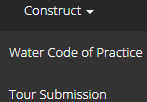
Click Construct in the top navigation bar. Select Tour Submission.
-
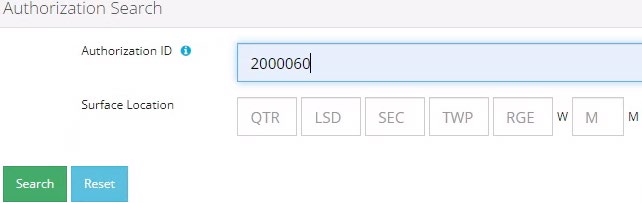
Search for the well by authorization number (well licence number). Click Search.
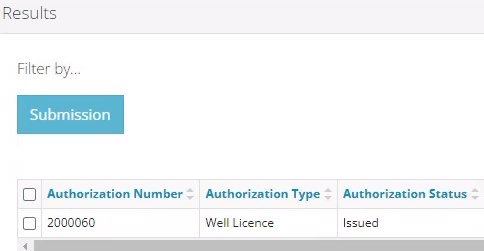
Well details appear in the 'Results' section.
-
Optional: Click Reset to clear the search box and searched data.

-
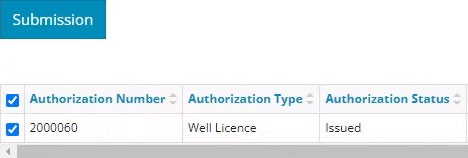
Check the box beside the required well. Click Submission.
-
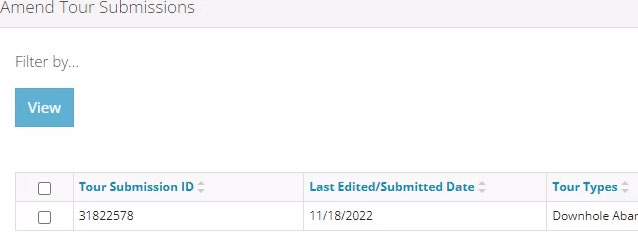
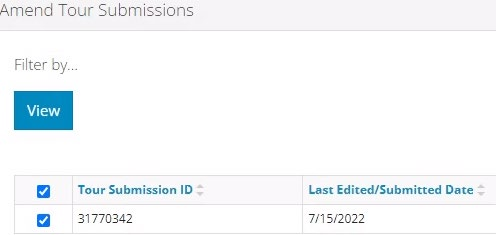
The Licence Number window opens. In the Amend Tour Submissions section, check the box beside the tour report you wish to amend. Click View.
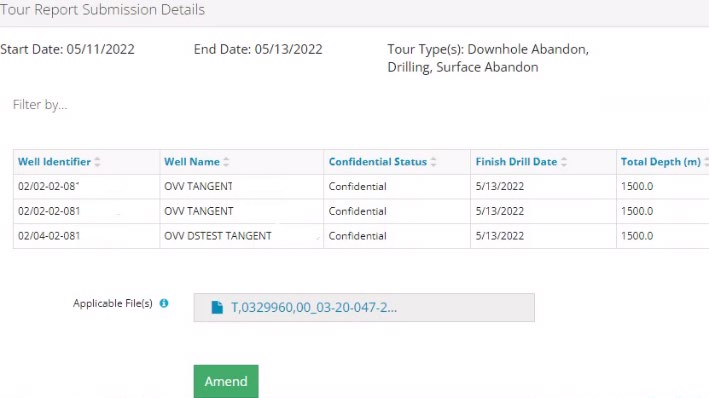
Details appear in the Tour Submission Details section.
-
Review the details ensuring the correct report was selected. You may also click on any attached files and view them.

-
Click Amend.

-
A message appears confirming your intent to amend your tour submission. Click Yes.

-
Click Attach to add files to your submission. Locate the required PDF files to be submitted. There must be at least one attachment, but multiple files may be uploaded, if needed.
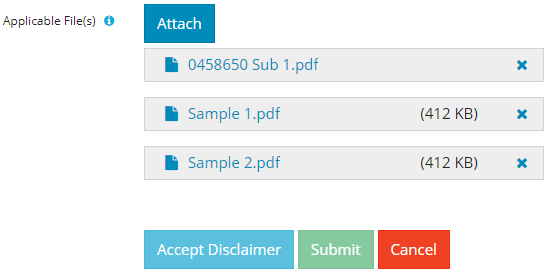
a) Optional: To remove files, click x.
-
Click Accept Disclaimer.

-
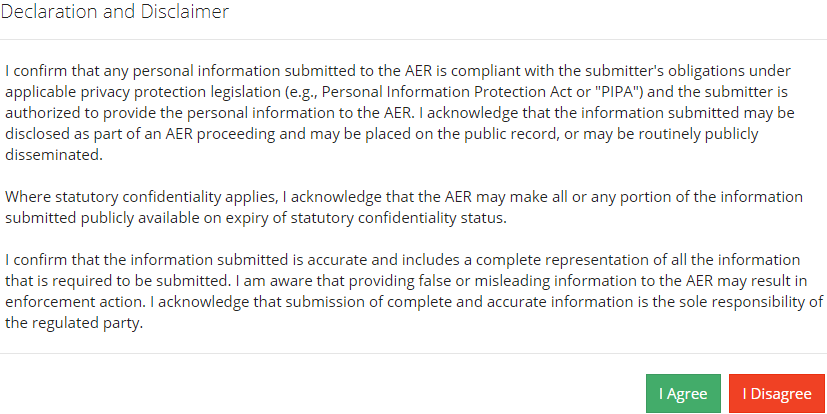
The Declaration and Disclaimer message appears to confirm your submission is accurate. Click I Agree to proceed with your submission.
-
The Declaration and Disclaimer window closes and OneStop returns you to the Tour Report Submission Details section. Click Submit.

-
A message appears to confirm completion of your tour submission. Click Yes.

-
A message appears indicating a complete amendment. Click OK to close the message box.

-
The amended submission appears in the Amend Tour Submissions section displaying a revised edited date.